Machine or process
Describe the equipment, process objective or production step to be controlled.
 Request a Quote
Programmable Control Panels
Organize your PLC panel inquiry around the process, equipment, I/O, operating sequence, signals and project documents available.
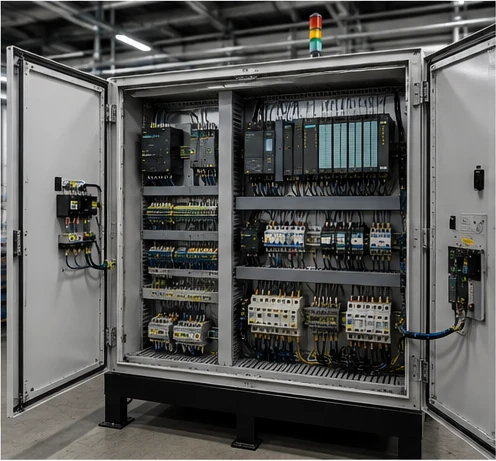
Start with the Process
PLC panel configuration begins with understanding what equipment or process must be controlled. Share the information you already have.
Upload Project DocumentsDescribe the equipment, process objective or production step to be controlled.
List the motors, valves, actuators, instruments or other equipment involved.
Share the known start, stop, automatic, manual or staged operating sequence.
Identify the measurements, feedback signals or field devices used by the process.
For an upgrade or replacement, include the available panel, program and drawing information.
Document-Driven Inquiry
You do not need every document before contacting HEDUN. Upload whatever is available so the project information can be reviewed together.
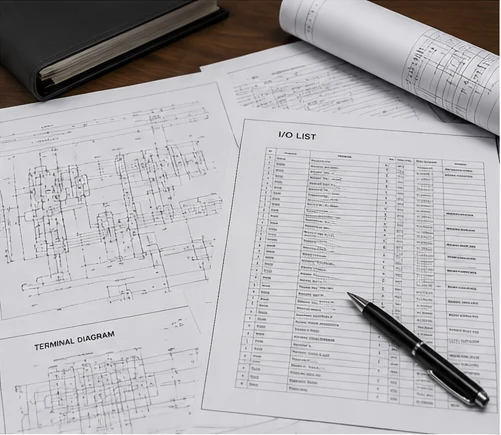
I/O Requirements
Use the I/O information you know to describe the control scope. Detailed quantities belong in the RFQ and can remain approximate or blank when not yet confirmed.
Start, stop, status, limit or discrete device signals.
Commands to contactors, valves, indicators or other discrete devices.
Process measurements or instrument signals when specified.
Variable commands or references when required by the process.
Identify the field devices and the process conditions they represent.
Describe the equipment commands, feedback and interlocks involved.
Control Logic
Start and stop conditions, interlocks, alarms and process states help clarify how the panel should interact with the equipment. These are project inputs for review.
Describe the order in which equipment should start, stop or change state.
Note whether operators need manual control, automatic cycles or both.
Identify where commands originate when this is already defined.
List known conditions that prevent, permit or sequence equipment operation.
Describe important alarm conditions, acknowledgements or shutdown expectations.
Explain measurements or operating states that affect the control sequence.
PLC Control Architecture
This simplified flow helps organize the process, operator and equipment relationships. It is a buyer-friendly concept, not a detailed electrical schematic.
Signals & Communication
Describe the commands, feedback and interfaces required by the process or project specification. Communication requirements can be provided when specified.
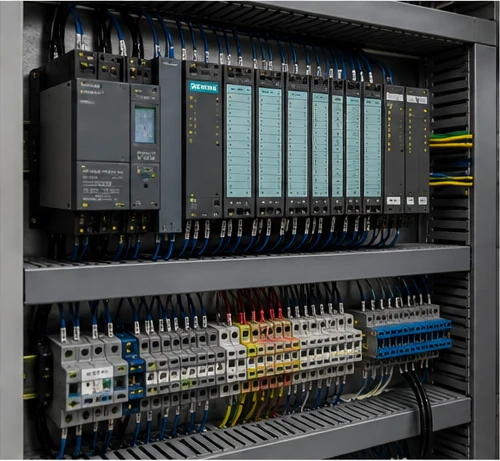
PLC / HMI Requirements
If an existing PLC or HMI platform is specified, share the available model information, photos or documentation for project review.
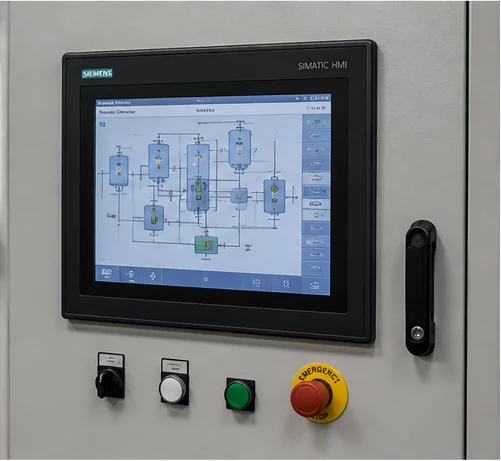
Project Path
Choose the information path that best matches your project. Final compatibility and configuration remain subject to technical review.
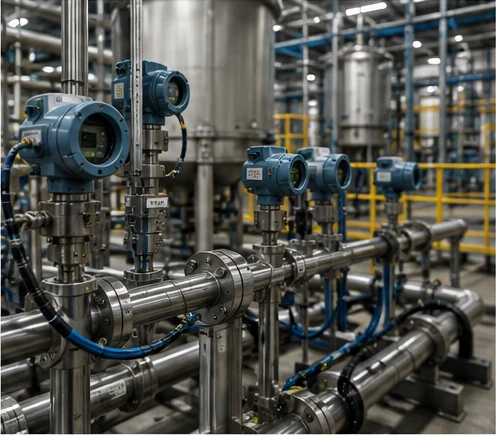
New Automation Project
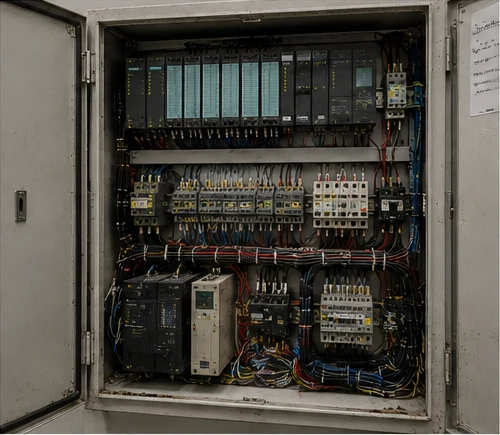
Existing PLC Panel Replacement / Upgrade
Panel Requirements
Provide the site and enclosure information that is already defined. Unknown project details can be reviewed later.
Applications
Equipment and process-oriented examples for organizing an inquiry.
Machine sequence, sensors and actuator control for production equipment.
Equipment starts, stops, interlocks and status signals across a material flow.
Control inputs and operating conditions organized around a defined process sequence.
Pump, valve, level and status signals for utility and treatment equipment.
Motor commands, feedback and process signals where control logic is specified.
Coordinated equipment, alarms and operator information for line operation.
Project Documentation
Documentation can be reviewed and confirmed according to project requirements. Share the documents available rather than waiting for a complete package.
Quality Verification
Review points can be aligned with confirmed order documents and the agreed panel configuration.
Related Resources
Buyer Questions
Practical starting points for preparing a PLC panel inquiry.
A process description, equipment list, I/O information, sequence of operation, available drawings and installation requirements are useful starting points. You do not need to provide every item before making an inquiry.
No. Provide the I/O quantities when they are already known. An I/O list, instrument list or control drawing can be uploaded for review instead of entering every signal manually.
Existing-panel inquiries can be reviewed from panel photos, PLC/HMI information, drawings, I/O lists, terminal documents and installation-space information. Final compatibility and configuration require technical review.
Only provide a brand or platform when it is already specified by the project or existing system. Requirements can be submitted without selecting a brand in advance.
Yes. Start/stop sequences, automatic or manual operation, interlocks, alarms and process conditions can be included as project information for quotation review.
PLC Request for Quotation
Don't have all the technical details? That's fine. Upload your I/O list, drawing, project specification or existing panel documents, and we'll review them for quotation.